Hi, message us with any questions.
We're happy to help!





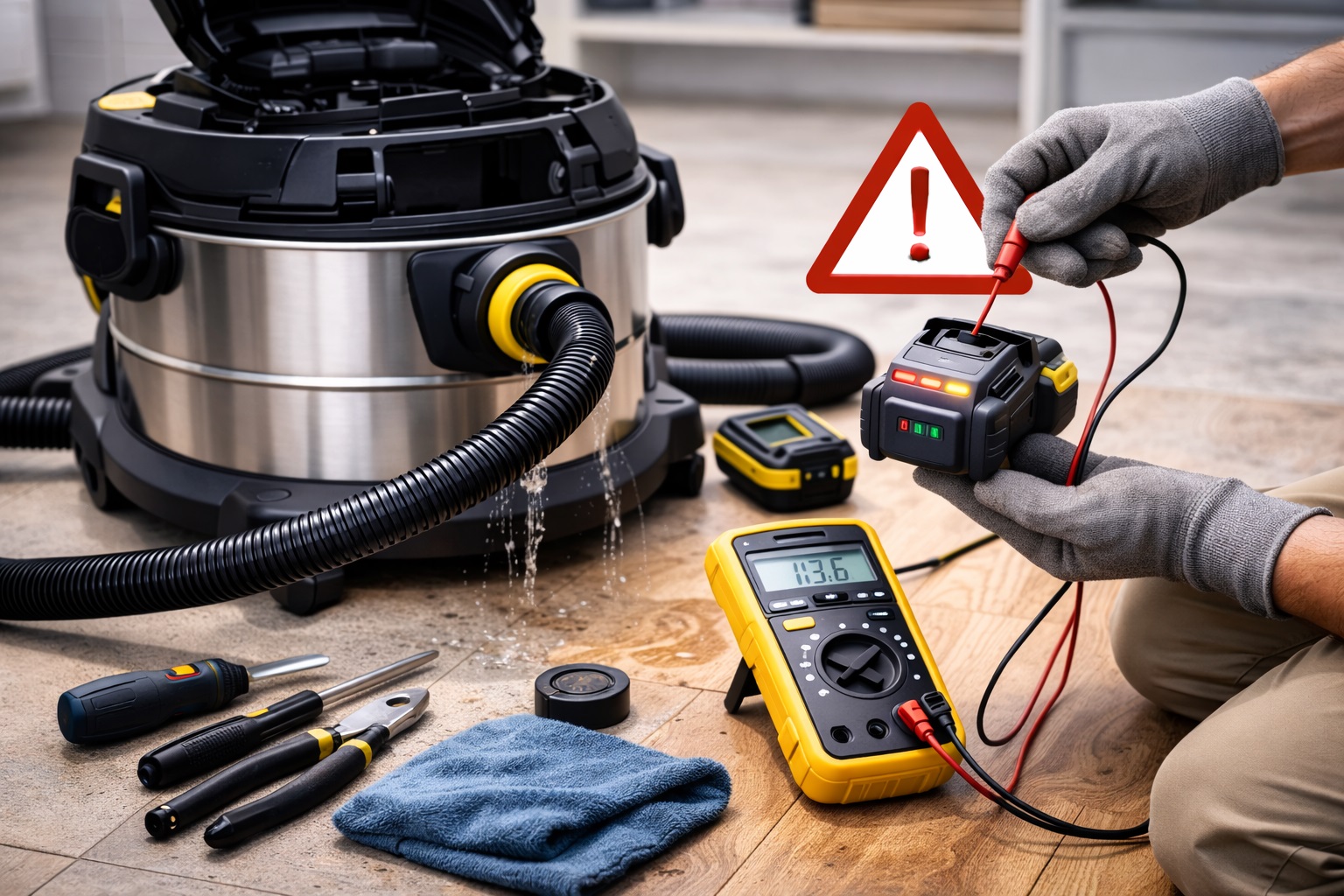
Barrel vacuum cleaners, especially Cordless Vacuum Cleaners, offer the convenience of portability, making them a popular choice for cleaning in both residential and commercial spaces. However, like any battery-powered device, battery issues can arise over time, affecting the performance and runtime of the vacuum. Whether it's a decrease in battery life, slow charging, or a battery that won't hold a charge, addressing these battery problems is crucial to maintaining the vacuum's efficiency.
In this article, we'll discuss common battery problems in barrel vacuum cleaners and provide troubleshooting tips to help you resolve these issues.
1. Decreased Battery Life: Shorter Cleaning Sessions
One of the most common battery issues in cordless barrel vacuum cleaners is a noticeable decrease in battery life. As a result, you may find that your Portable Self-Cleaning Vacuum Cleaner or Fast Lightweight Vacuum Cleaner doesn't run as long as it used to.
Possible Causes:
Battery Wear and Tear: Over time, the battery naturally loses its ability to hold a charge due to repeated charging cycles.
Temperature Sensitivity: Extreme temperatures, both hot and cold, can impact battery performance, leading to reduced battery life.
Infrequent Charging: Allowing the battery to drain completely before charging can reduce its overall lifespan.
Troubleshooting Steps:
Fully Charge the Battery: If your vacuum has been sitting unused for a while, give the battery a full charge. Sometimes, battery issues are due to partial or infrequent charging, which can reduce battery efficiency.
Avoid Extreme Temperatures: Store your vacuum in a cool, dry place to avoid temperature extremes that can damage the battery.
Replace the Battery: If the battery life continues to decrease despite proper charging and maintenance, it might be time to replace the battery. Most Household Vacuum Cleaners with rechargeable batteries allow for easy replacement.
Example:
A user of a Car Vacuum Cleaner reported that their vacuum's battery life was only lasting for 10 minutes, down from 30 minutes when it was new. After replacing the battery with a new one, they regained the full runtime, proving that battery replacement is sometimes necessary for long-term performance.
2. Slow Charging: Extended Charging Times
If you find that your barrel vacuum cleaner is taking longer than usual to charge, it could be a sign of an underlying battery issue or charging system problem.
Possible Causes:
Dirty Charging Contacts: Dust or debris on the charging contacts can interfere with the charging process, causing slower charging times.
Old Battery: As batteries age, they may take longer to charge due to wear and tear.
Faulty Charger or Charging Dock: A malfunctioning charger or charging dock may slow down the charging process or prevent the vacuum from charging properly.
Troubleshooting Steps:
Clean the Charging Contacts: Use a soft cloth or brush to gently clean the charging contacts on both the vacuum and the charger. This can help ensure a proper connection and reduce charging time.
Check the Charger and Dock: Test the charger with another device (if possible) to ensure it's functioning correctly. If the charging dock is faulty, try using an alternative charging method or replace the charging station.
Replace the Battery: If the vacuum still charges slowly despite cleaning the contacts and checking the charger, the battery may be reaching the end of its lifespan and should be replaced.
Case Study:
A Upright Vacuum Cleaner user found that their vacuum took several hours to charge. After cleaning the charging contacts and ensuring the charger was working properly, the charging time decreased, restoring convenience and efficiency.
3. Battery Not Holding a Charge: Vacuums Not Running
Another frustrating issue is when the vacuum won’t run or stops working shortly after being charged. This is usually a sign that the battery is no longer holding a charge.
Possible Causes:
Overcharging: Consistently leaving the vacuum plugged in after it's fully charged can cause damage to the battery over time, reducing its ability to hold a charge.
Aging Battery: As batteries age, they naturally lose their capacity to hold a charge, leading to a vacuum that no longer runs for a full cleaning session.
Faulty Battery Management System: Some vacuum cleaners have an integrated battery management system that regulates the charging process. If this system malfunctions, it can cause problems with the battery’s charging or discharging.
Troubleshooting Steps:
Avoid Overcharging: Make sure to unplug the vacuum once the battery is fully charged. Avoid leaving it plugged in for prolonged periods after it reaches 100%.
Recalibrate the Battery: If your vacuum’s battery is a lithium-ion type, recalibrate it by allowing it to drain fully before charging it back to 100%. This helps the battery maintain its charging cycles.
Replace the Battery: If the vacuum still isn’t holding a charge, the battery may be faulty and need replacement. Check the manufacturer's instructions for battery replacement options.
Example:
A Cordless Vacuum Cleaner owner noticed that the vacuum would only run for a few minutes, even after a full charge. After recalibrating the battery and avoiding overcharging, the vacuum’s performance improved. Ultimately, the battery was replaced, and the vacuum ran like new.
4. Battery Charge Indicator Problems: Inaccurate Readings
Sometimes, the battery charge indicator may show incorrect readings, such as showing a full charge when the vacuum is low on power or showing that the battery is low when it's actually full.
Possible Causes:
Faulty Battery Management System (BMS): The BMS is responsible for monitoring the battery's health and charge status. If the BMS is faulty, it can provide inaccurate readings.
Electrical Circuit Issues: Issues within the vacuum’s electrical system can cause the charge indicator to display incorrect information.
Troubleshooting Steps:
Reset the Vacuum’s Battery System: Try resetting the vacuum’s internal system by turning it off, removing the battery (if possible), and then reinserting it after a few minutes.
Check the Battery Management System: If the problem persists, the BMS may need to be inspected or replaced. Consult a professional to determine if this is necessary.
Monitor Battery Usage: If the charge indicator continues to show faulty readings, manually monitor the vacuum’s battery life during use to ensure you're aware of the actual charge level.
5. Preventative Measures to Extend Battery Life
To prevent future battery issues, here are a few simple maintenance tips:
Avoid Deep Discharges: Try to avoid letting the battery completely discharge before recharging it. Lithium-ion batteries (commonly used in vacuum cleaners) last longer if they’re kept between 20-80% charge.
Store Properly: When not in use, store the vacuum in a cool, dry place. Extreme heat or cold can significantly affect battery performance and lifespan.
Use the Right Charger: Always use the charger that came with the vacuum, or ensure any replacement charger is compatible with your specific model.
Clean Battery Contacts: Clean the battery contacts regularly to ensure a good connection and optimal charging.
Conclusion
Battery problems in barrel vacuum cleaners, especially in Cordless Vacuum Cleaners and Portable Self-Cleaning Vacuum Cleaners, can be frustrating, but with proper care and maintenance, most issues can be resolved. Whether it’s decreasing battery life, slow charging, or a battery not holding a charge, following the troubleshooting steps outlined in this article will help you address these problems and restore the vacuum’s performance. Regular battery maintenance, such as cleaning the contacts, recalibrating the battery, and avoiding overcharging, will ensure your vacuum continues to provide powerful suction for years to come.
Hashtags:
UprightVacuumCleaners, HouseholdVacuumCleaners, PortableSelfCleaningVacuumCleaner, CarVacuumCleaner, CordlessVacuumCleaner, FastLightweightVacuumCleaner, VacuumBatteryMaintenance, VacuumCleanerTroubleshooting, SuctionPower, VacuumCare,Lanxstar